
Login / Sign In
Access your Polydom account using email and password, Google sign-in, or recover your password if you've forgotten it.
Accessing Your Account
Logging into Polydom is quick and secure. You can sign in with email/password or your Google account.
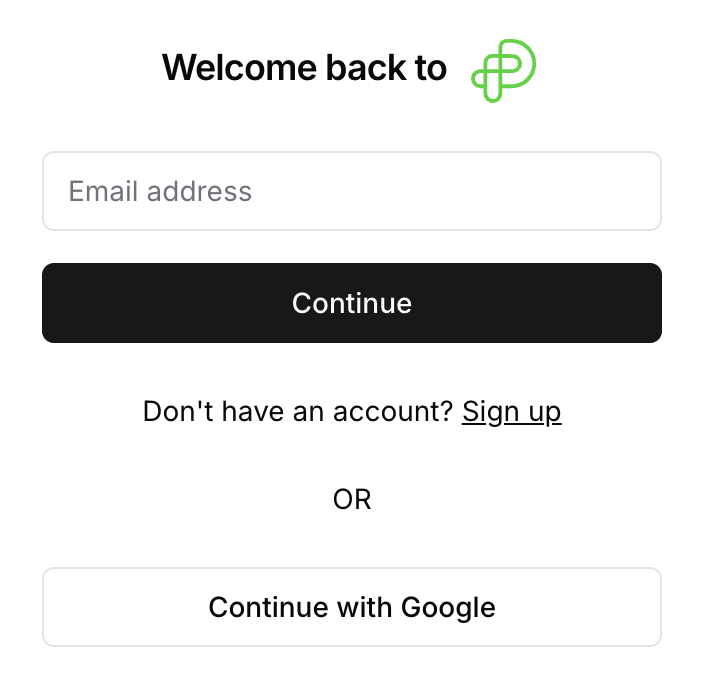
Method 1: Email and Password
Step 1: Enter Your Email
Navigate to the Polydom login page
Enter the email address associated with your account
Click "Continue"
Step 2: Enter Your Password
Enter your password
Click the eye icon to show/hide your password
If you forgot your password, click "Forgot password?"
Click "Login"
If your credentials are correct, you'll be taken to your dashboard.
Method 2: Login with Google
On the login page, click "Continue with Google"
Sign in with your Google account (or select it if already signed in)
You'll be automatically logged in and redirected
Recovering Your Password
If you've forgotten your password:
Step 1: Go to Forgot Password
On the login page, click "Forgot password?" after entering your email.
Step 2: Enter Your Email
Enter the email address associated with your account
Click "Send reset instructions"
Step 3: Check Your Email
You'll receive an email with a password reset link. Check your spam folder if you don't see it.
Step 4: Create a New Password
Click the reset link in the email
Enter your new password
Re-enter your password to confirm
Click "Update password"
Step 5: Log In
You'll see a confirmation. Click "Back to Log in" and use your new password.
Troubleshooting
Incorrect email or password: Double-check your credentials. Use password reset if unsure
Google sign-in not working: Make sure you're using the same Google email you registered with
Account not found: You may need to create an account first