
Chat Sources and Filters
Understand all available chat channels and how to filter conversations by source, date range, chat type, and tags.
Chat Sources
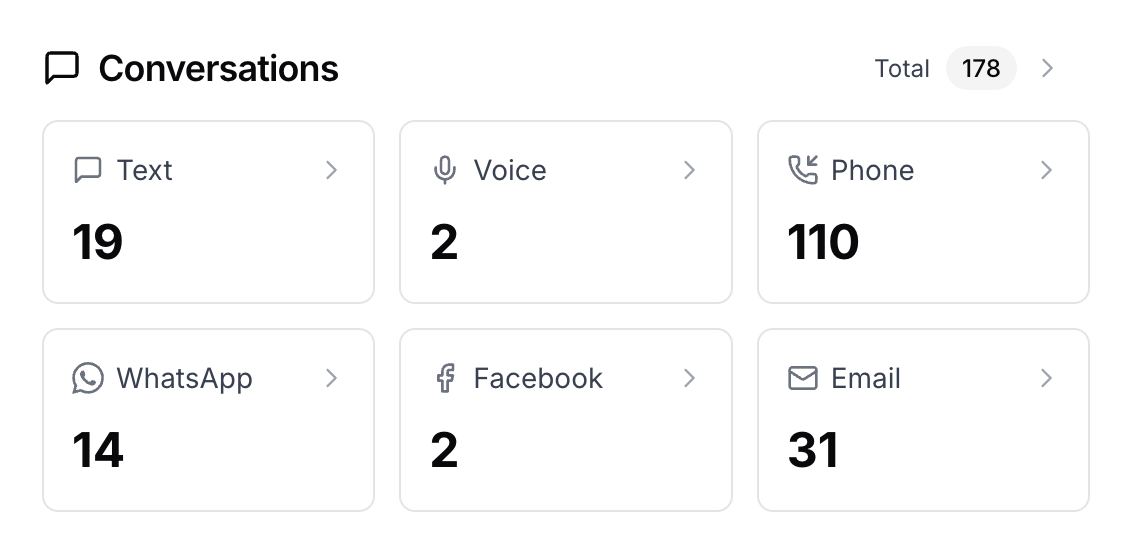
Una supports conversations from multiple channels. Each source has a distinct icon in the chat list.
In practice, many users first encounter these icons on the Conversations card in the Statistics dashboard. Clicking one of those cards opens the Conversations list with that channel already selected.
This article is the reference guide for what each icon and source means after you land there.
Widget

Chat widget embedded on your website. Supports text and voice conversations.


WhatsApp Business messages. Supports text and voice.
Telegram

Telegram instant messaging. Text conversations.

Email correspondence.
Phone

Inbound and outbound calls. Call recordings available for download.

Facebook Messenger.

Instagram Direct Messages.
WATI
WhatsApp via WATI integration.
Guesty

Guest communications through Guesty PMS.
Hospitable
Guest communications through Hospitable PMS.
Zeevou
Guest communications through Zeevou PMS.
Filtering Conversations
You can arrive at a filtered conversations list in two ways:
Click a channel card in Statistics to open conversations with that source already selected
Open the Filters menu manually in Conversations
Click the Filters button (sliders icon) to adjust or combine filtering options.
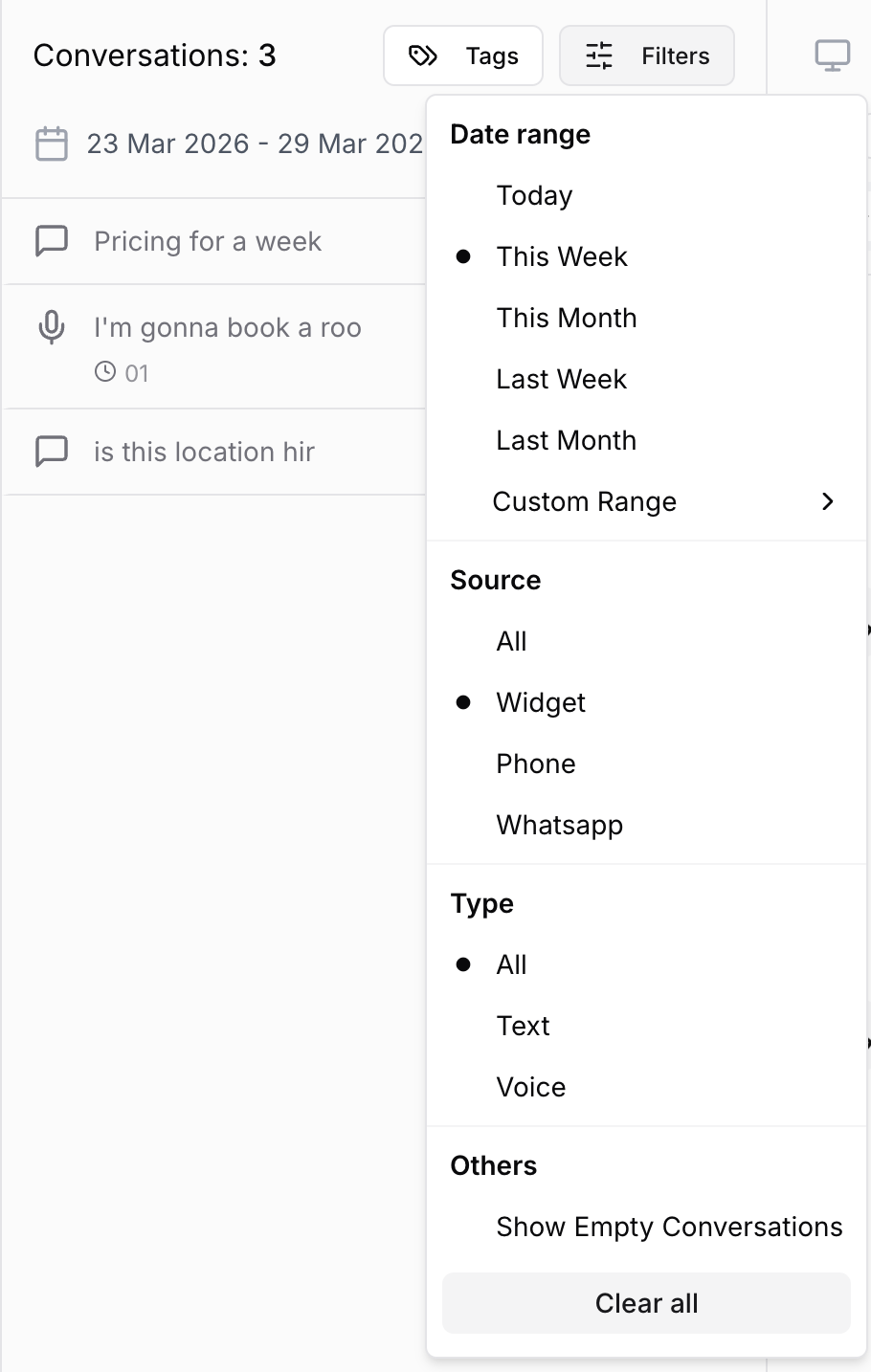
Filter by Chat Source
Click Filters
Select Chat Source dropdown
Choose: All, Widget, Phone, WhatsApp, Telegram, Email, Facebook, Instagram, WATI, Guesty, or Hospitable
The list updates instantly.
Filter by Date Range
Options: Today, This Week, Last Week, This Month, Last Month, or Custom (calendar picker).
Filter by Chat Type
Options: All, Text, or Voice.
Filter by Tags
Search for and select tags to find tagged conversations. Multiple tags can be combined.
Show Empty Conversations
Check Show Empty to include conversations with no messages.
Combining Filters
All filters can be combined. For example: show all WhatsApp voice conversations from this month tagged "VIP".
Clearing Filters
Click Reset in the filters menu, or manually set each filter back to its default (All / This Week).