
Viewing Agent Statistics
Track your agent's performance — see conversation counts by channel, records collected, and reservation activity.
Accessing Statistics
Click on any agent's name in the sidebar — the dashboard with statistics is shown by default.
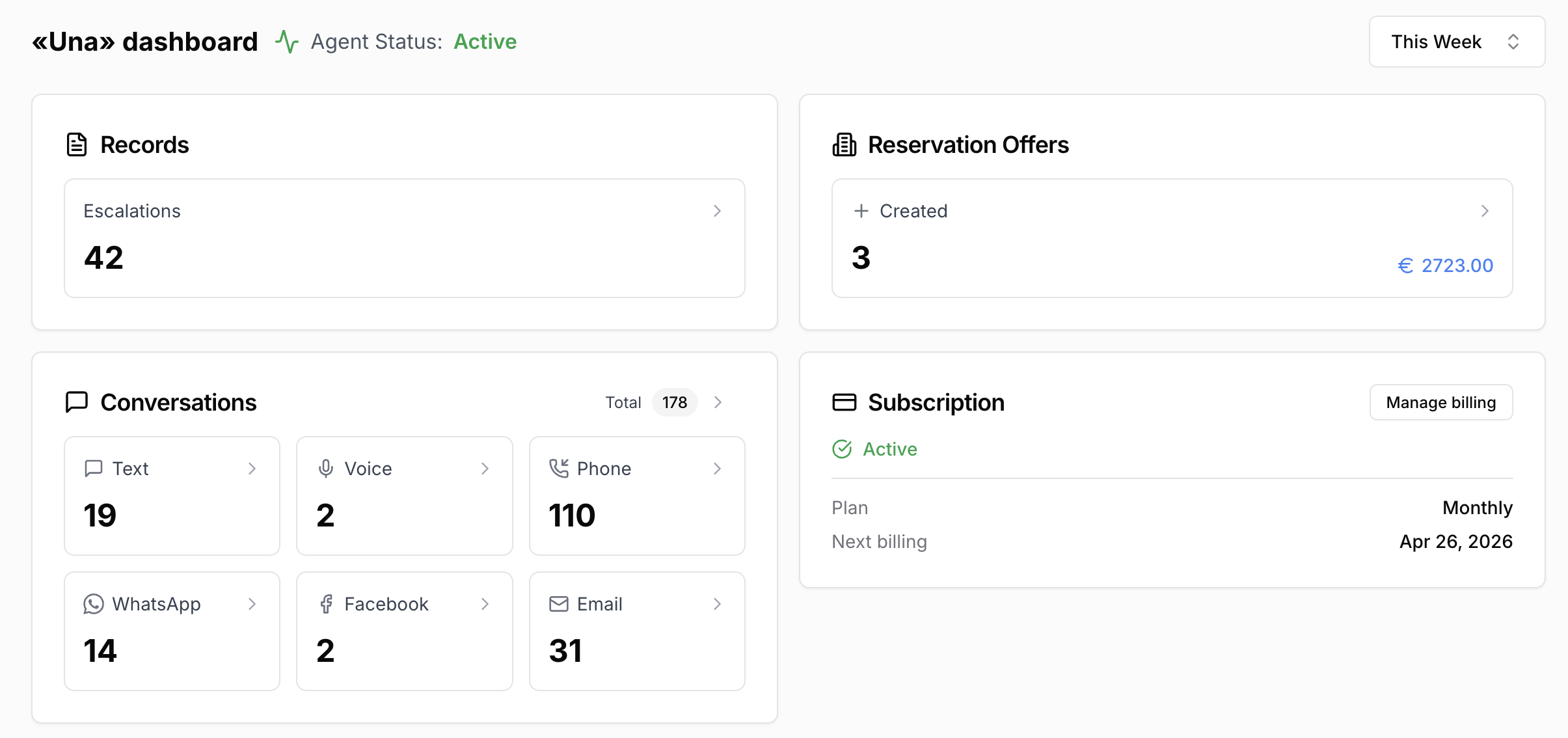
Date Range
Use the date selector at the top to filter statistics by period:
Today
This Week
This Month
Last Week
Last Month
Custom date range
This selector is shown in the top-right area of the Statistics page.
All statistic cards update together when the period changes.
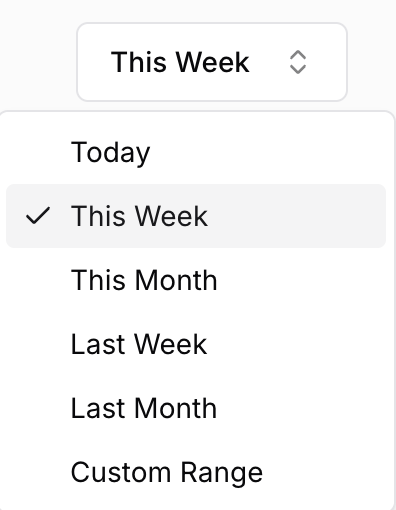
Conversations
Shows the total number of conversations and a breakdown by channel:
Widget (text and voice separately)
WhatsApp, Telegram, Facebook, Instagram, Email
Phone calls
PMS channels (Guesty, Hospitable, etc.)
Clicking a channel tile opens the Conversations section with the relevant filters already applied.
This makes the Statistics page the easiest starting point when you want to:
understand which channels are active
compare conversation volume by source
jump straight into only WhatsApp, Widget, Phone, or another channel
investigate one specific time period using the top-right date selector
The icons shown in this card correspond to the same channel icons used in the Conversations area. For the channel-by-channel legend, see Chat Sources and Filters.
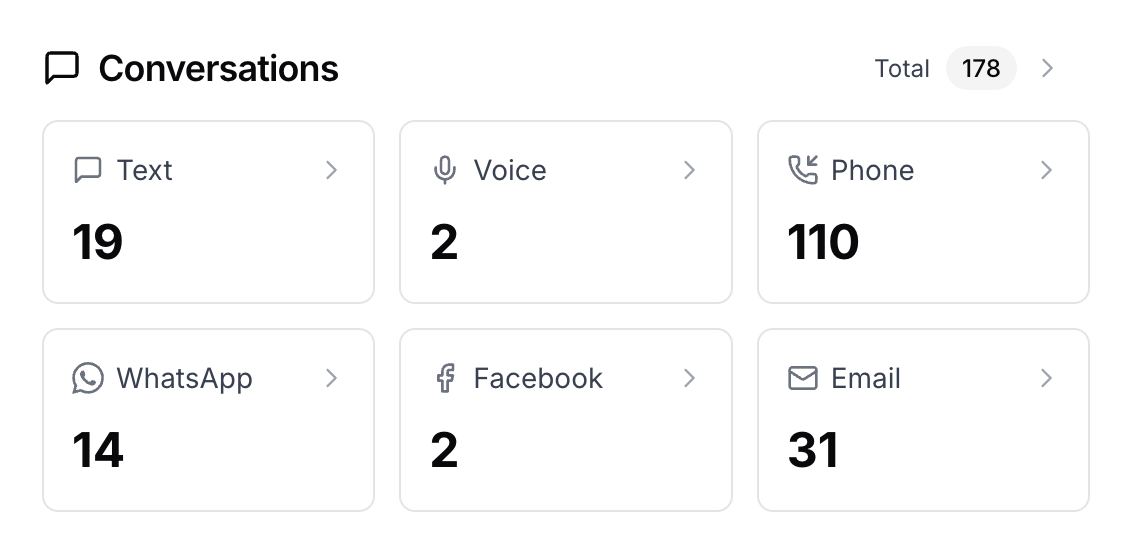
Records
If your agent collects guest information, the Records card shows the total count and a breakdown by record type. Click any tile to open the Records section with that type pre-selected.
Reservations
If your agent has a PMS connected, you will also see reservation activity:
reservations created
reservations cancelled
Clicking these values opens Reservation Offers with the matching filters.

Subscription Status
The Statistics page also reflects the current subscription state of the agent. If the subscription is inactive, in sandbox mode, or has a payment issue, a warning banner appears so you can investigate quickly.