
Connecting Instagram
Let Una answer direct messages on your business's Instagram account.
On this page
Una can answer the direct messages guests send to your business's Instagram account. Una's replies come from your account, in the same conversation.
Before You Start
-
Your Instagram account must be a professional account (Business or Creator). You can switch to one in the Instagram app settings.
-
Ask the Polydom team to add Instagram to your agent. An Instagram Skill tab then appears in Agent Settings.
-
You need the Instagram login and the Owner or Admin role in the dashboard.
Connect Your Account
-
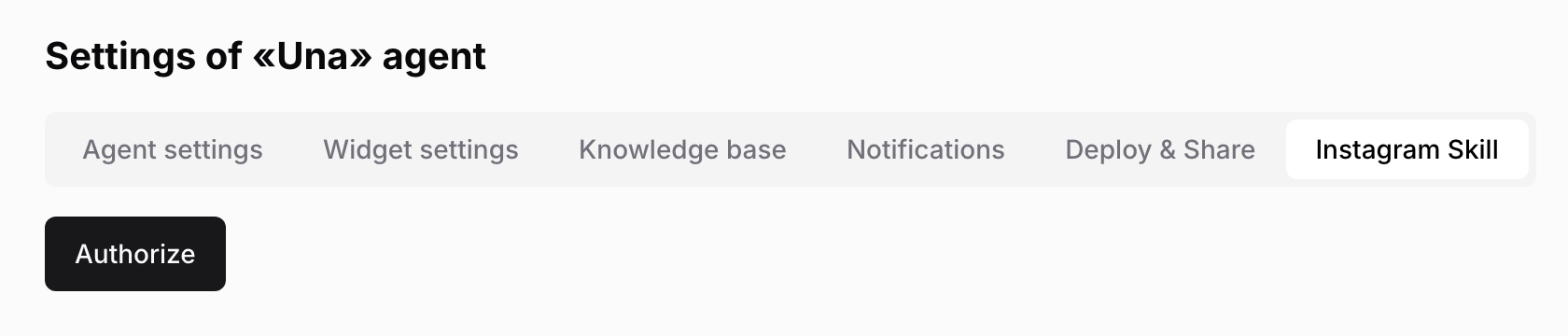
Select your agent in the sidebar and click Agent Settings, then Instagram Skill
-
Click Authorize
-
On the Instagram page, log in to your business account and allow the access Polydom asks for
-
Back on the tab, the button now reads Clear authorization. The account is connected
-
Tell the Polydom team you've done this. They switch replies on
Instagram conversations then appear in your agent's Conversations.
Una doesn't pause when someone on your team replies from the Instagram app. Una answers the guest's next message too. If your team wants to take over for a while, ask the Polydom team to switch replies off.
Disconnecting
Click Clear authorization on the Instagram Skill tab. Una stops answering new messages, and your past conversations stay in the dashboard. To connect again, click Authorize and ask the Polydom team to switch replies back on.
Troubleshooting
There is no Instagram Skill tab. The Polydom team hasn't added Instagram yet. Contact them.
The tab shows Authorize again. The connection was lost. Click Authorize, log in again and ask the Polydom team to switch replies back on.
You see an empty page after logging in to Instagram. Go back to Agent Settings, then Instagram Skill. If it still shows Authorize, the connection didn't complete. Check that the account is a professional one and try again.
Una doesn't answer Instagram messages. Check that the tab shows Clear authorization and that the Polydom team has switched replies on.