
Email Notifications
Configure email alerts so your team is notified when Una collects new records or leads.
How Email Notifications Work
When Una saves a new record in any notification category, she can send an email alert to your team. Each email includes the details of the record so recipients can act on it immediately.
Email notifications are delivered in real time — your team receives them as soon as Una creates the record.
Setting Up Email Notifications
Go to Agent Settings > Notifications
Select the category tab you want to configure (for example, Escalations or Leads)
Enable Email
Add one or more email addresses
Click Save
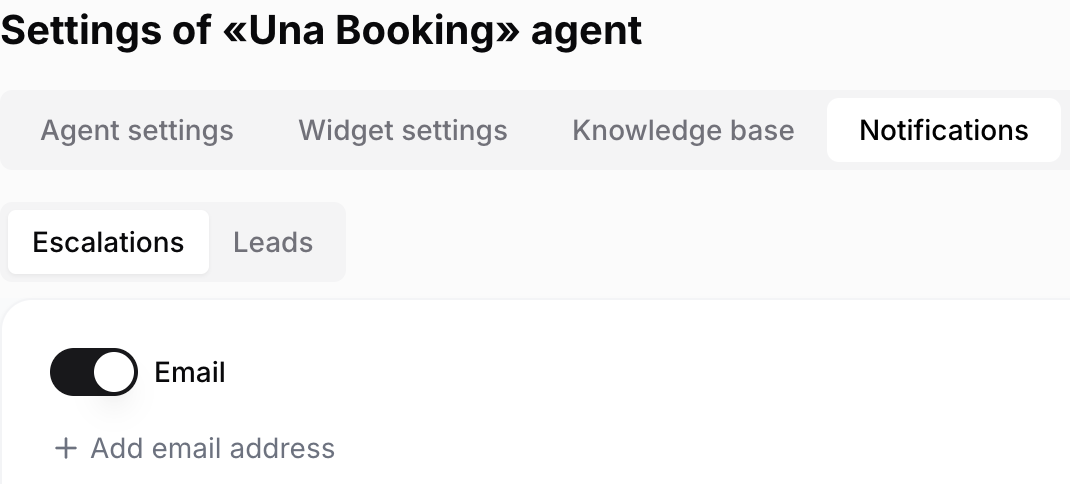
Each category has its own recipient list, so you can send escalations to one team and leads to another.
Tips
Use a shared team inbox (such as reservations@yourhotel.com) when more than one person should see the alert
You do not need to enable notifications for every category — only the ones your team actively monitors
Review recipient lists when team responsibilities change