
Una with Apaleo
Connect Apaleo, choose what Una sells, and see how guests book, pay and cancel.
On this page
With Apaleo connected, Una sells your rooms on your website, by phone, on WhatsApp and on your other direct channels. Una offers only what's available in Apaleo for the guest's dates, at Apaleo's exact price and terms. The guest books on a booking page from Polydom, and the reservation is created in Apaleo.
Connect Apaleo
-
Install Una (you)
Find Una by Polydom in the Apaleo Store and install it, or contact the Polydom team.
-
Set up your agent (Polydom team)
The team adds Apaleo to your agent and sends you a link to your dashboard.
-
Authorize (you)
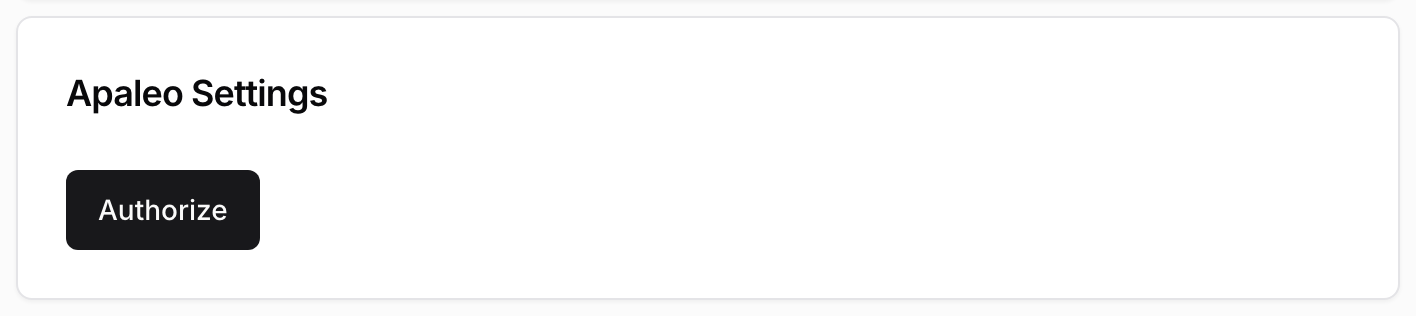
Open PMS Settings in the sidebar and go to General. In the Apaleo Settings card, click Authorize, sign in to Apaleo and approve access. The General Settings card above keeps loading until you have done this.
-
Choose your hotel (you)
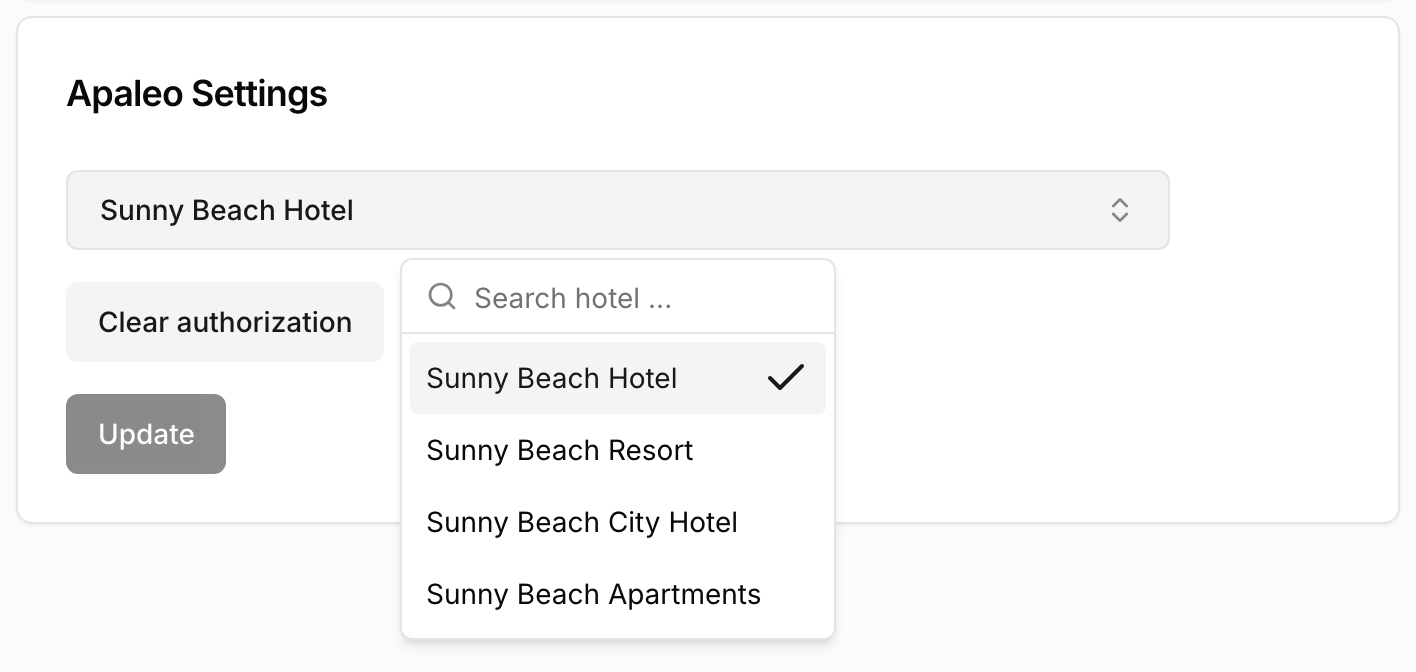
In the Apaleo Settings card, open the dropdown, search for your hotel, select it and click Update.
-
Check the property name (you)
In the General Settings card, Property Name is the hotel name in booking emails. Change it if needed and click Update.
-
Choose what Una sells (you)
Click Sync Manager, switch on the rate plans Una should sell and click Sync. Then add descriptions and photos. See Room Types and Rate Plans.
Choose Extras
On the Extras tab you choose which Apaleo services, such as breakfast or parking, guests can add on the booking page.
-
Open PMS Settings and go to Extras
-
Switch on the services you want to offer, or click Enable all
-
Click Save changes
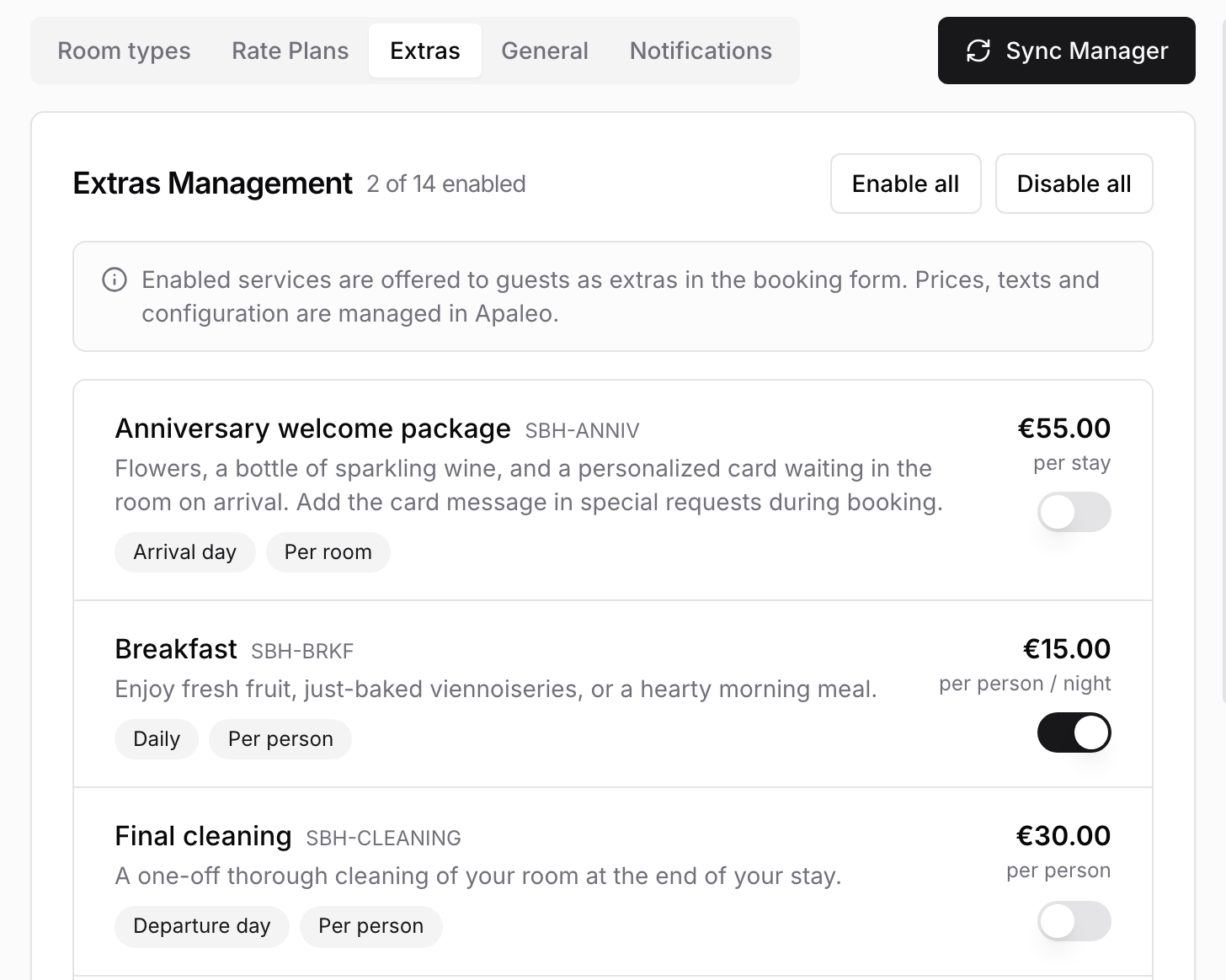
Nothing is offered until you switch it on and save. Prices, names and descriptions come from Apaleo, so change them there.
A service listed under Not available can't be switched on yet. Add the Channel manager channel to it in Apaleo.
Get Booking Emails
-
Open PMS Settings and go to Notifications
-
Switch on Email
-
Click Add email address and enter an address. Repeat for each person
-
Click Save
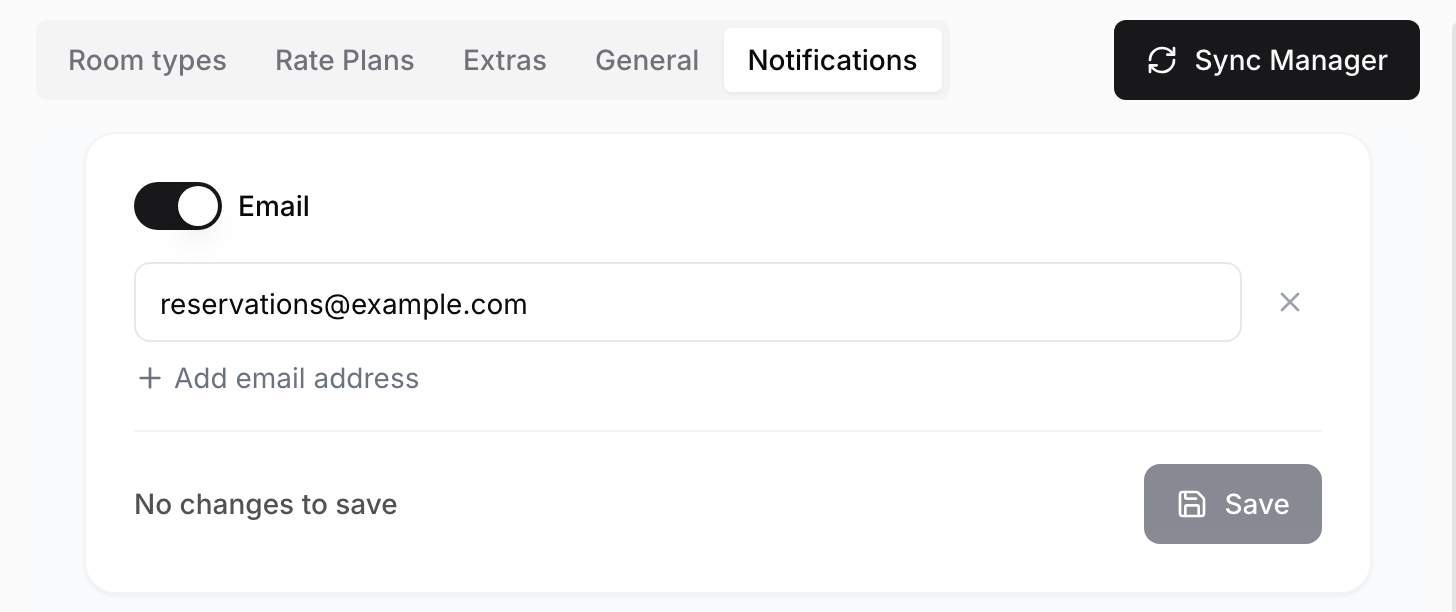
Your team then gets an email when a booking made through Una is confirmed and when Una cancels a reservation at a guest's request. Automatic cancellations send no email.
For requests Una passes to your team, see Configuring Notifications.
How Guests Book
Una's link opens a booking page with the offer the guest agreed on. The guest enters their details, adds any extras and submits the form. The reservation is created in Apaleo straight away, and the guest gets an email. What happens next depends on the rate plan:
-
Prepayment: the guest pays on a secure payment page within 15 minutes
-
Credit card guarantee: the guest enters a card within 15 minutes. It is not charged
-
Company guarantee: nothing more is needed. The booking is confirmed at once
If the guest doesn't pay or enter a card in time, the reservation is normally cancelled automatically and the guest is told.
During a phone call, Una sends the link by SMS or WhatsApp if your agent has them. Ask the Polydom team to set this up.
Bookings and cancellations are listed under Reservations in the sidebar. See Viewing Reservations and Reservation Offers.
Existing Reservations
Una can look up a reservation when a guest asks about their stay. Una can cancel a reservation only if it was booked through Una, and only after the guest confirms the terms, including any fee.
These go to your team:
-
changes to dates, rooms or services
-
cancellations of reservations not booked through Una
-
refunds, compensation and billing disputes
-
complaints and anything that needs judgement
Troubleshooting
-
The hotel dropdown is empty or shows the wrong hotels: you may have signed in with a different Apaleo account. Click Clear authorization, then Authorize with the right account.
-
No Sync Manager button: make sure your hotel is selected and saved with Update, then reload the page.
-
Una never offers a rate plan: check that it is switched on in Sync Manager and that it is sold on the Channel manager channel in Apaleo.
-
Guests don't see an extra: check that it is switched on and that you clicked Save changes.
-
A booking is missing under Confirmed reservations: the guest may not have paid or entered a card in time. Check Cancelled reservations.
-
No booking emails arrive: check that Email is on, the address is correct and you clicked Save. Also check your spam folder.